Master MARVEL Mystic Mayhem with Top Tips
- By Nora
- Dec 23,2025
MARVEL Mystic Mayhem is an upcoming tactical squad RPG featuring iconic superheroes and supervillains from the MARVEL universe. Players can collect and customize these characters to create their dream teams. Imagine teaming up Iron Man with Thanos - now's your chance! Experience cinematic game modes and earn generous rewards by defeating rivals. With global launch approaching on June 25th, we've compiled essential beginner tips to help you progress faster.
Tip #1. Understand Character Roles for a Balanced Team
Team composition is vital in MARVEL Mystic Mayhem. Characters fall into four classes: Strikers (damage dealers), Defenders (tanks), Controllers (crowd control), and Fighters (balanced). A well-rounded team should combine these roles - Defenders protect allies while Strikers deal damage, Controllers disrupt enemies, and Fighters provide flexibility. Strategic team-building is crucial for overcoming different challenges.
Tip #2. Master Core Combat Mechanics
The real-time combat requires smart energy management and positioning. Conserve area abilities for grouped enemies and protect your damage dealers. Place Defenders upfront while supporting them with ranged Strikers and Controllers. Mastering these mechanics gives you an edge in both PvE and PvP battles.
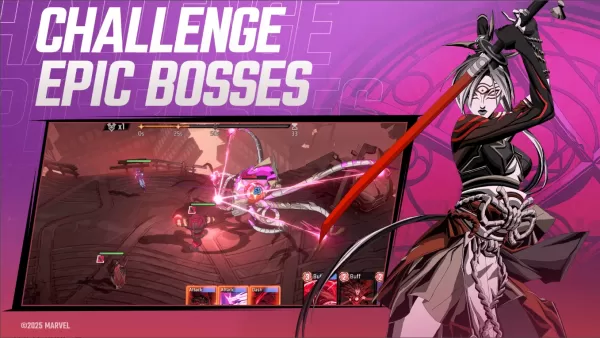
Tip #3. Explore Diverse Game Modes
The game offers varied modes with unique rewards. Test your skills in PvP Arena against other players, team up for cooperative Boss Raids, or tackle limited-time events for exclusive prizes. Each mode presents different challenges to keep gameplay fresh and rewarding.
Tip #4. Efficient Resource Management
Progress efficiently by prioritizing your main team's upgrades first. Complete daily missions for consistent rewards and participate in events for rare items. Smart resource allocation ensures steady power growth without wasting valuable materials.
Tip #5. Create Synergistic Hero Combos
Discover powerful ability combinations between heroes. Controllers can set up enemies for Strikers' devastating attacks, while certain Defenders boost entire teams. Experiment with different pairings to unlock maximum combat potential.
For an enhanced experience, play MARVEL Mystic Mayhem on PC via BlueStacks, using your preferred keyboard and mouse controls.
Latest News
more >-

-

-

- "TMNT: The Last Ronin" Release Date Announced
- Apr 21,2026
-
-
- Tower of God and Realms of Pixel Collab
- Apr 16,2026